Two minutes away
from more FPS.
Anti-cheat safe. Trusted by Vanguard, FACEIT, EAC, and BattlEye.


FAQ
Your questions, answered.
Yes. Even the best hardware is often "choked" by default Windows settings designed for office work, not gaming. BananaBooster focuses on consistency and 0.1% lows. We eliminate the micro-stutters and input lag that high-end parts still suffer from, ensuring your hardware hits its absolute ceiling.
BananaBooster is a subscription service. We opted for this model because PC optimization isn't a 'set it and forget it' task. Windows updates and game patches launch weekly; our team works around the clock to update our logic so your PC stays optimized for the latest software.
Every system is unique. If you don't see a measurable lift in FPS or a decrease in latency, reach out to our support team. We offer a 7-day free trial so you can see the results for yourself before ever being charged.
No. BananaBooster operates at the system and hardware level, not the game-file level. We do not modify game code or inject any files into your game directory. It is 100% anti-cheat safe and used by Tier-1 pros.
Unlike manual YouTube registry tweaks that can be risky, BananaBooster uses proprietary logic built by the performance specialists at BananaBooster. Our optimizations are non-destructive and can be reverted with a single click.
Quite the opposite. BananaBooster is designed to be ultra-lightweight. Once your optimizations are applied, the app consumes near-zero resources, leaving all your CPU and RAM power for your games.
We offer optional Smart Overclocking for GPUs and Intel CPUs. Unlike "blind" boosts, our engine runs automated stress tests on your specific silicon to find the fastest stable speed. If your cooling can't handle it, BananaBooster won't apply it.
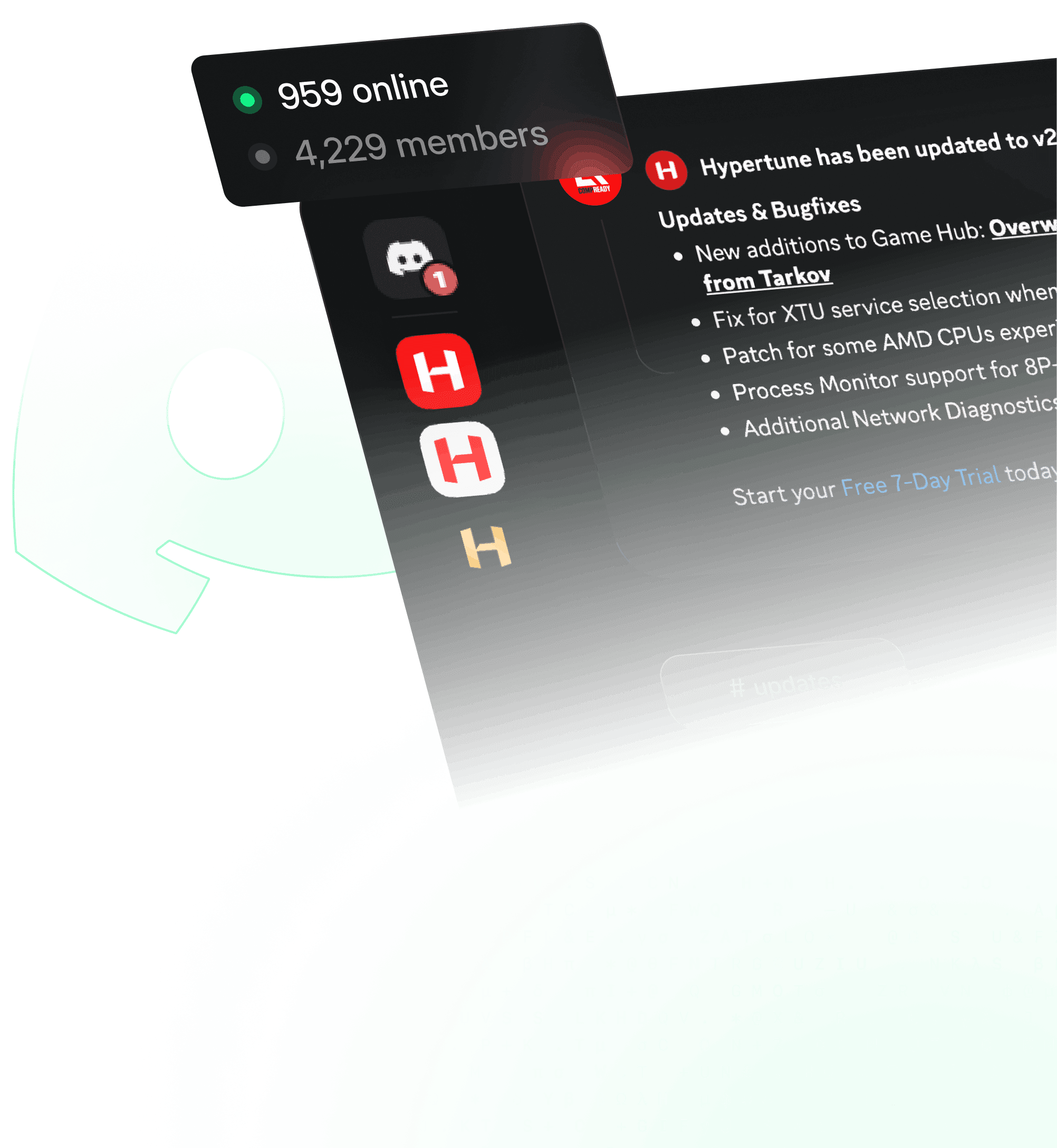
Join the community
Get direct support, updates, and real-world tuning advice from 10,000+ gamers and the team behind BananaBooster.
Join the BananaBooster creator program
Convert on your influence with your community into long term recurring revenue
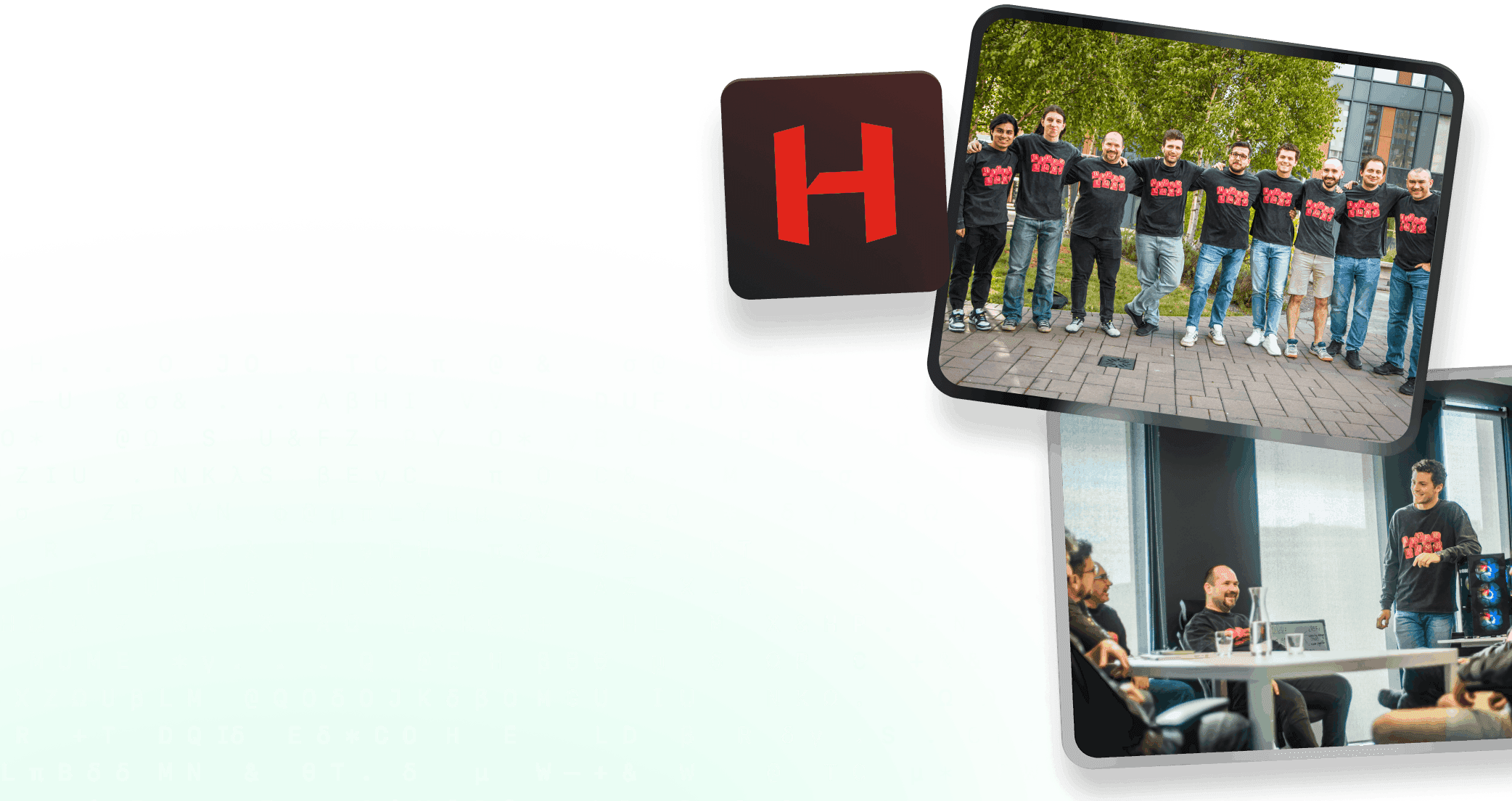
Join the team
We're building the future of PC performance for the generations ahead. If you want in, we want to hear from you.